Try the PDF editor in your browser.
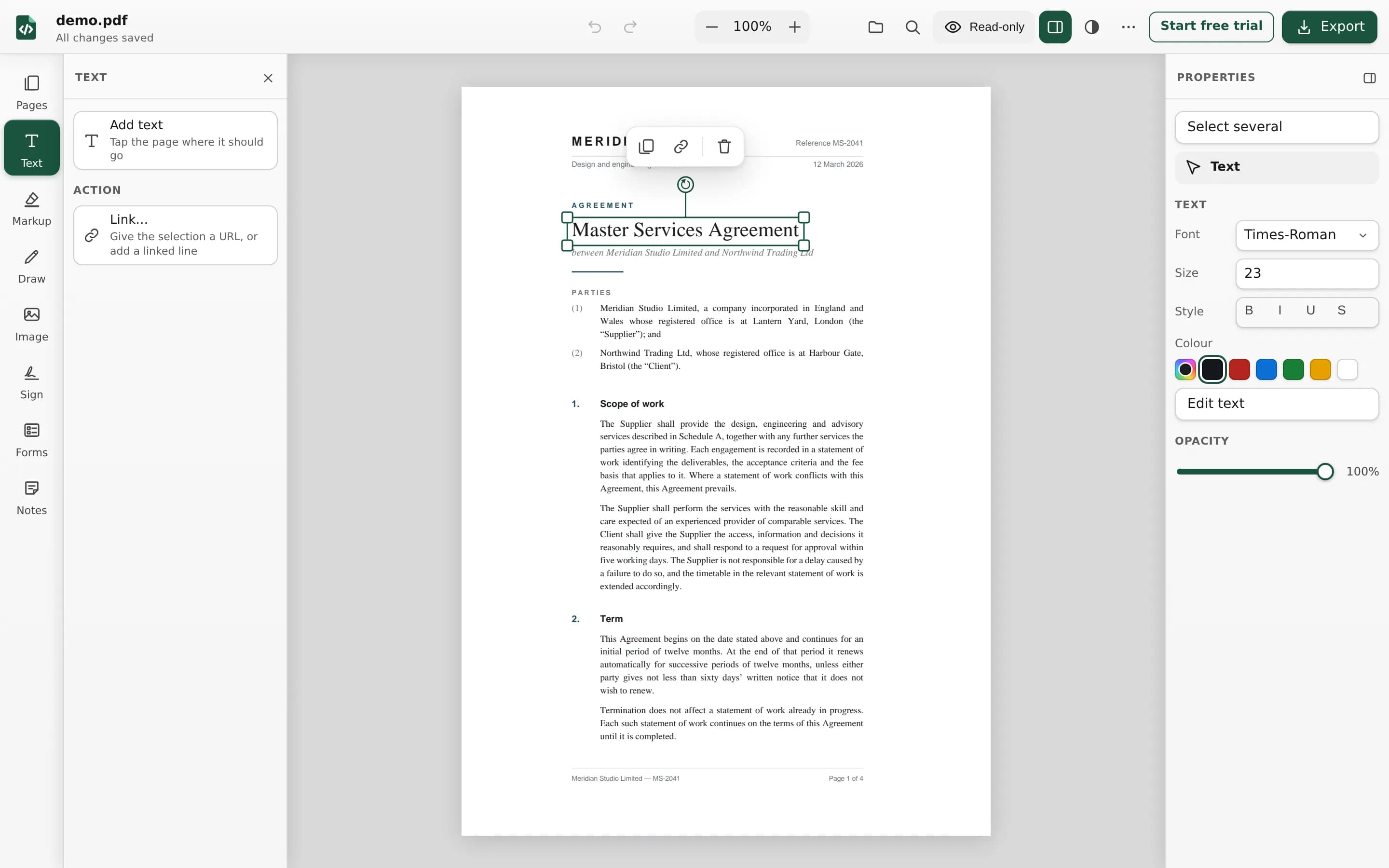
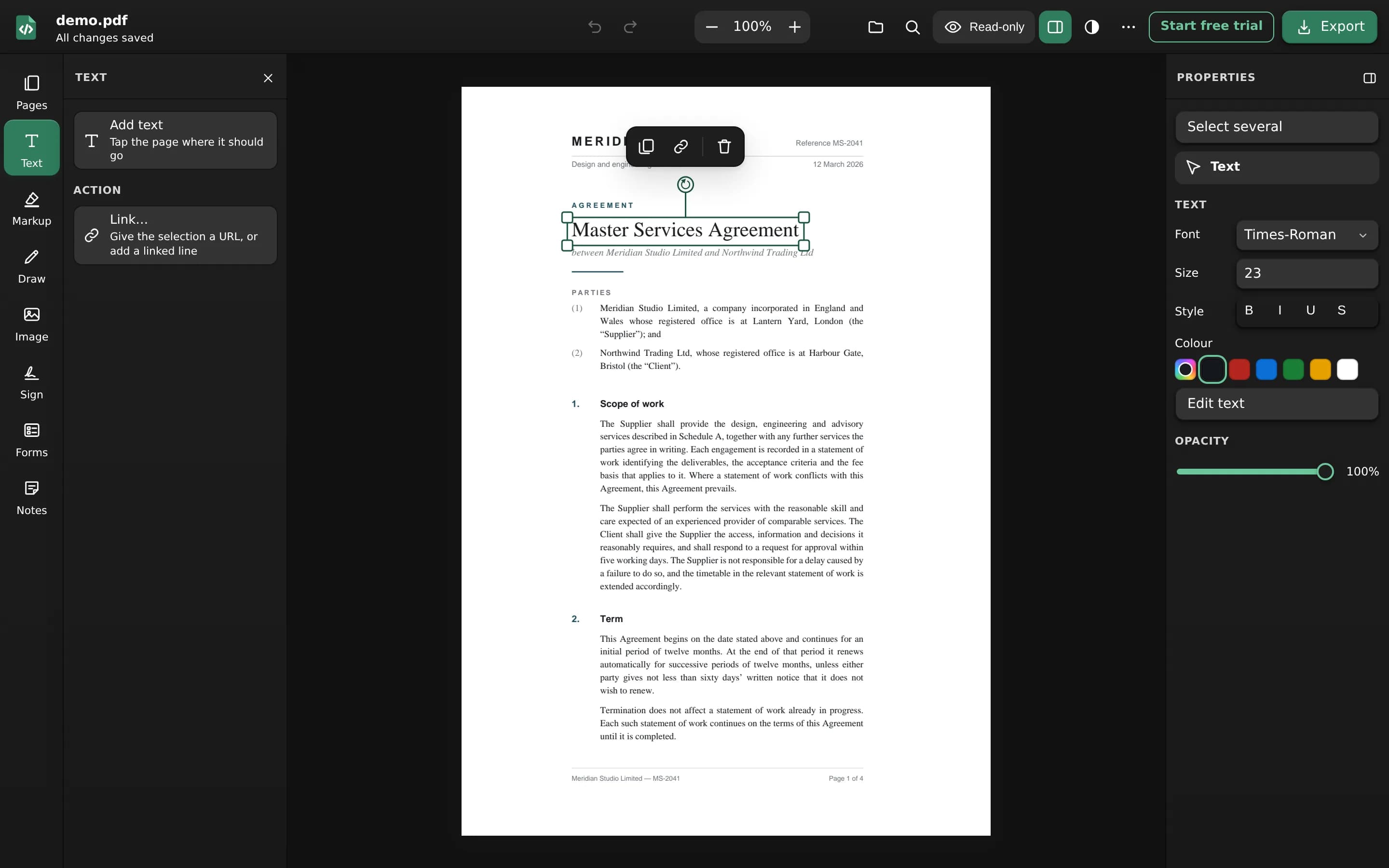
The PDF-SDK web editor, running in this browser: the same engine as the iOS and Android SDKs. No sign-up, and your PDF stays in your browser. A sample document opens right away.
Best on a desktop browser
The editor has the most room on a desktop or laptop. On a phone, the iOS and Android SDKs give your users the native editor.
Things to try.
Then try it in your own app: a trial key works exactly like a purchased one.
- Open the sample, or one of your own PDFs
- Change the text already in the page, in its own font
- Fill in a form, add a field, then flatten it
- Highlight, draw, add notes and stamps
- Sign with a digital ID made in your browser, then verify the signature
- Insert, rotate and reorder pages, then save the PDF
Demo questions.
No. There is no sign-up and no form: open the editor and start. It is free to use.
Yes. Choose Open your own PDF on this page, or open the editor and choose a file there.
No. The editor opens, edits and exports your PDF in your browser, and the file is not sent to us or to anyone else. If you pick a web font, your browser downloads that font from a public font library; your document is not part of that request.
Yes. It is the web editor that comes with the SDK, in PDF-SDK’s colours. Your app gets the same editor, and you can change how it looks.
It opens in a phone browser, but the editor has more room on a desktop or laptop. In a mobile app, the iOS and Android SDKs give your users the native editor.
Start a free trial: choose your platforms and list your app identifiers. We review the request and issue a key for those apps, valid for 7 days.